Invoice straight from your work order, in your own house style
From quote to signed work order to invoice, without retyping the figures. A clean PDF with your own logo and VAT, ready to send. Whether you work on your own or with a crew.
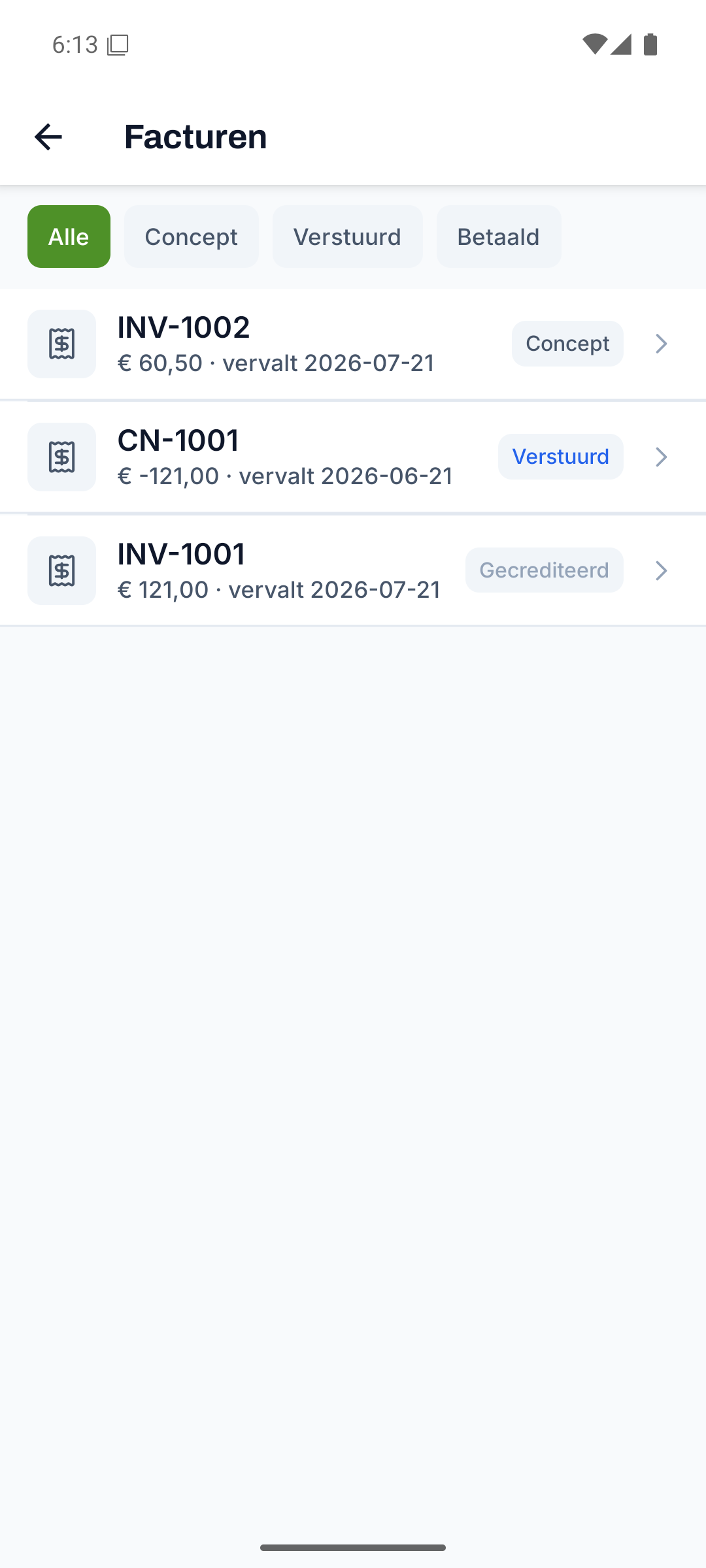
Creating an invoice takes just a few clicks
Turn a completed work order into an invoice, with hours, materials and VAT already in place.
- From a completed, signed work order to an invoice
- Add, change or delete lines per invoice
- VAT per line, with subtotal, VAT amount and total calculated automatically
- Reverse-charge VAT is shown clearly on the invoice
Everything for invoices, from start to finish
Every part below belongs to this feature, from the first step to the finish.
A PDF with your own logo and house style
Deliver every invoice as a PDF with your own logo, invoice number and due date, ready to email.
- PDF invoice with your own logo and company details
- Invoice number, invoice date, payment term and due date
- Send it to the customer by email from Fyldd
- Download it for your own records or accountant
Record payments and keep an eye on the outstanding amount
Record payments and see at a glance which invoices are still open and need attention.
- Record a payment per invoice, partial payments too
- Status from draft to paid, with the outstanding amount
- Turnover, paid and outstanding all shown in the reports
First a quote, then the job
Create a quote per customer and turn it into a work order in one action once it's accepted.
- Quote per customer with lines, a total and a valid-until date
- Download it as a PDF and send it by email
- Accept a quote and convert it into a work order
How you pay for Fyldd: iDEAL and SEPA via Mollie
Pay 39 euros per month for your company via iDEAL and SEPA, plus 19 euros per month per extra teammate, after a 14-day free trial.
- 39 euros per month for your company, plus 19 euros per extra teammate
- Pay via iDEAL and SEPA direct debit (Mollie)
- Try it 14 days free, without a credit card
Discover the rest of Fyldd
Features that fit seamlessly with invoices.
Frequently asked questions
Can't find your question? We'll help you quickly, even if logging in isn't working.
No answer to your question? We usually reply within one business day.
Get in touchHow do I create an invoice from a work order?
Once a work order is completed and signed, you turn it into an invoice. The hours, materials and description from the work order come along, so you don't have to retype anything. Then you check the lines and the VAT, and send the invoice.
Does my own logo go on the invoice?
Yes. Every invoice is a PDF with your own logo and company details, so it matches your house style. The invoice gets a number, an invoice date, a payment term and a due date, and you send it straight to the customer by email.
How do I keep track of whether an invoice is paid?
You record every payment on the invoice, partial payments too. Fyldd works out the outstanding amount and shows the status from draft to paid. In the reports you see your turnover, the amount paid and the outstanding amount together.
Can I create quotes as well?
Yes. You create a quote per customer with lines, a total and a valid-until date, download it as a PDF and send it by email. You convert an accepted quote into a work order in one action, so the line from quote to invoice stays in one place.