Time tracking that's ready for payroll
Logged hours are listed by hour type, with whether they're billable and a total. Including approval, trips and mileage. Whether you work on your own or with a crew.
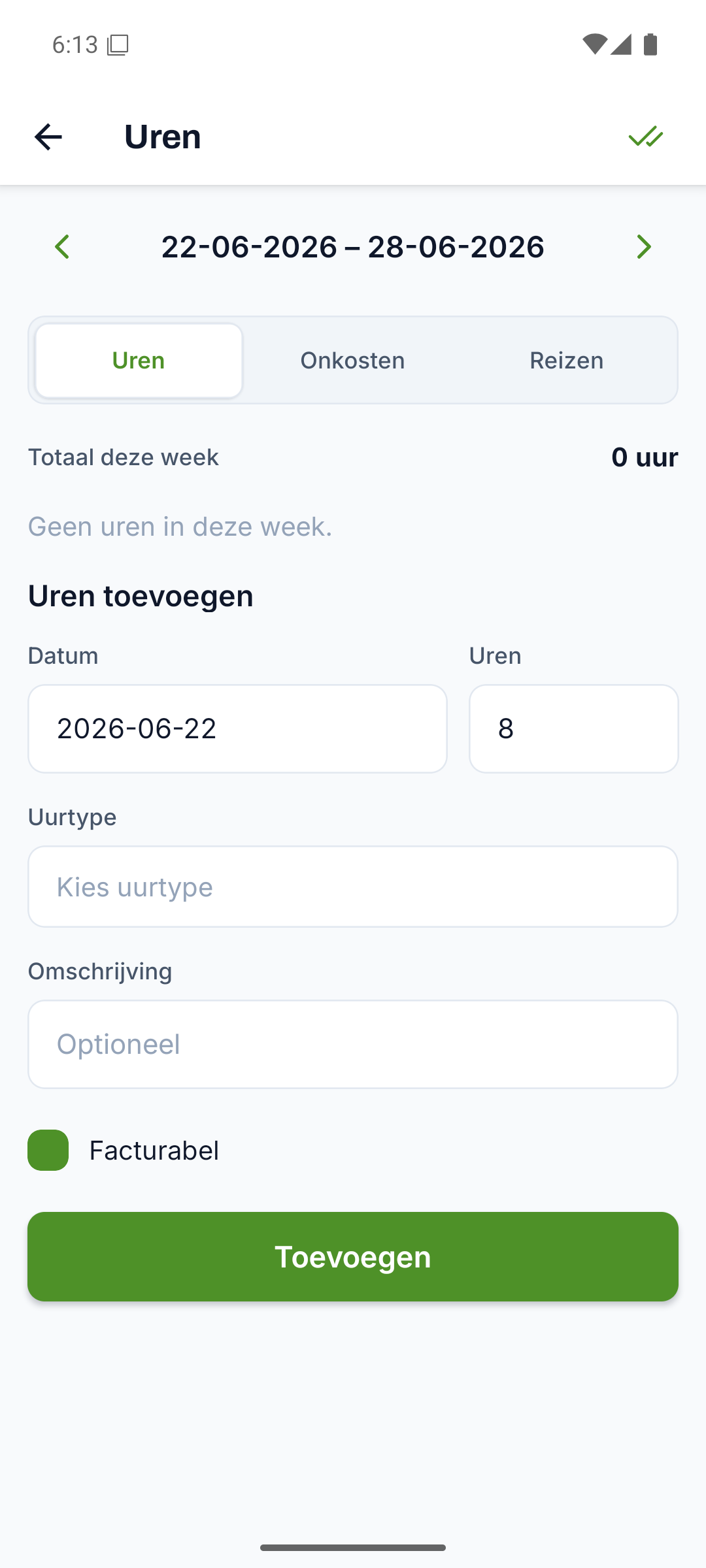
All hours in one list, ready to export
All logged hours are listed with date, type and total, without separate sums in a spreadsheet.
- Per line: date, hour type, number of hours and billable (yes or no)
- A total of all hours, added up automatically
- A status per line, from logged to approved
Everything for hours, from start to finish
Every part below belongs to this feature, from the first step to the finish.
Hours come straight from the work order
The technician logs hours on the work order and they come back in the overview, without retyping anything.
Approve hours before they go to payroll
Every hours line has a status, so you approve per team member whether the hours are right before they go into the bookkeeping.
Trips and mileage alongside your hours
Alongside hours you record trips with mileage and expenses per category, each in one place ready for your bookkeeping.
- Trips with mileage and amount, each with its own status
- Expenses per category, with description and amount
- Hours per team member shown in the reports
From hours to invoice and export
You carry billable hours from the work order through to an invoice, or download everything as CSV for your accountant.
- Billable hours onto the invoice in one go
- Export everything as CSV for your accountant
- Hours per team member back in the reports
Discover the rest of Fyldd
Features that fit seamlessly with hours.
Frequently asked questions
Can't find your question? We'll help you quickly, even if logging in isn't working.
No answer to your question? We usually reply within one business day.
Get in touchWhat does Fyldd's time tracking involve?
Logged hours are listed with date, hour type, the number of hours and whether they're billable, plus a total at the bottom. Every line has a status, so you can approve hours. This way your hours are ready to hand over for payroll.
How do the hours end up in the overview?
The technician fills in the hours on site on the work order via the app, together with materials, photos and a signature. Those hours come back in the hours overview. If you work alone, you log your own hours the same way on your own work orders.
Can I keep track of mileage and trips too?
Yes. Alongside hours you record trips with the mileage and the amount, each with its own status. You log expenses per category with description and amount. This way hours, trips and expenses sit together in one place, ready for your bookkeeping.
Is the time tracking suitable for a solo installer?
Yes. Whether you work on your own or with a crew, you log hours on your work orders and see them back in the overview with a total. If you work alone, you pay 39 euros per month. As your team grows, each extra teammate costs 19 euros per month, so you only pay for who joins in.