The digital work order that puts your whole job in one place
Type of work, customer, asset, custom fields and steps, photos, documents and the customer's signature on site. One work order that holds it all, whether you work on your own or with a crew.
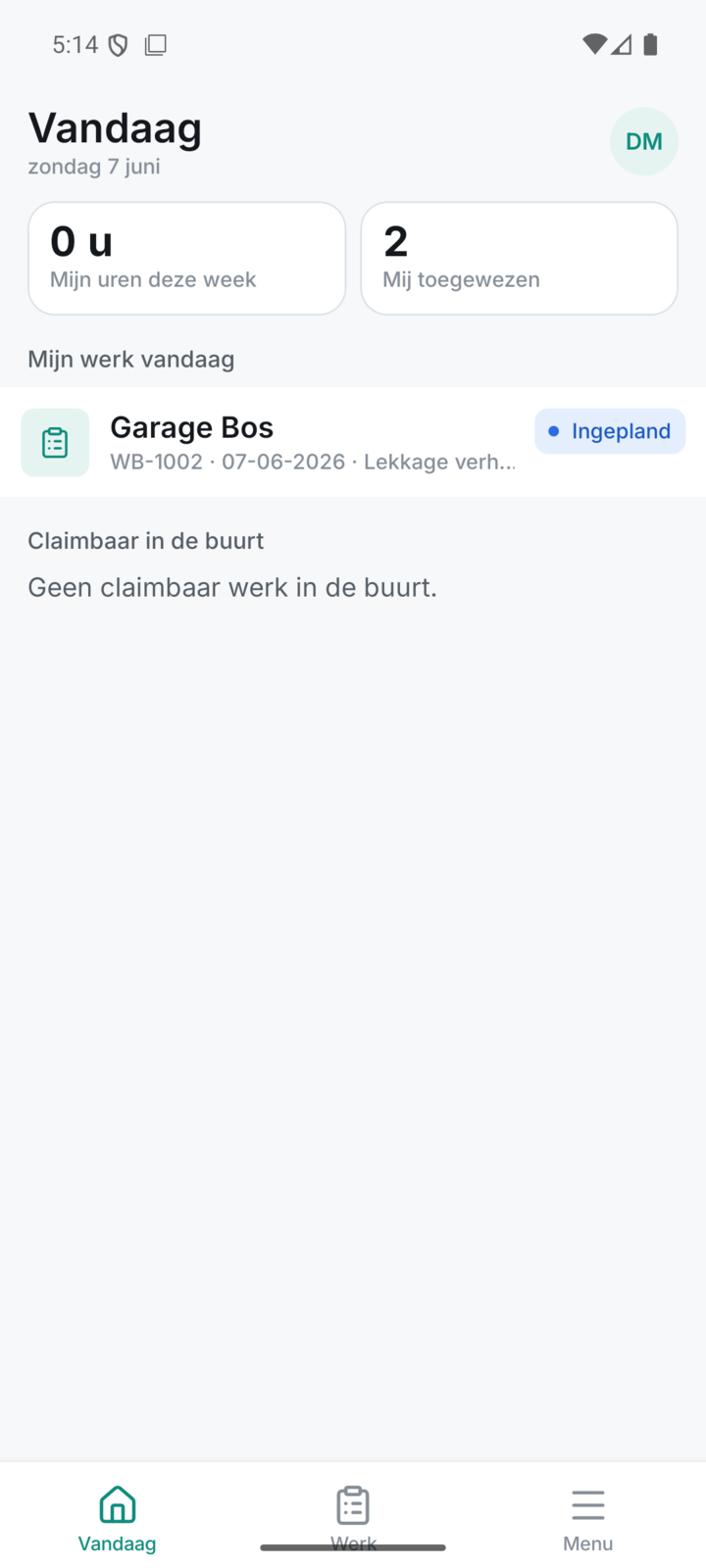
Everything about the job in one digital work order
One digital work order with type of work, customer, asset and status, so you see at a glance where every job stands.
- Type of work, customer, asset, priority and description on every work order
- Order or project number for your own records
- Statuses from draft, scheduled, in progress and completed to invoiced
- Filter your work orders by status so you stay on top of things
Everything for work orders, from start to finish
Every part below belongs to this feature, from the first step to the finish.
Custom fields and steps that fit your work
Put custom fields and fixed steps on the work order, so the technician on site records exactly the data you need.
- Your own custom fields for the data you want to record
- Steps and checklists that guide the technician neatly through the job
- Standard on recurring work, so you don't start from scratch every time
Photos and documents right with the work order
Put photos and documents straight on the work order, so everything stays linked to the right job and you don't hunt for anything later.
- Photos from before, during and after the work on the order
- Documents and attachments linked to the work order
- Everything together with the customer and the asset, nothing lost
The customer's signature on site
The customer signs on the screen on site and you deliver the completed work order as a PDF in your own house style.
- The customer signs on the screen of the phone or tablet
- Hours and materials straight onto the right work order
- A completed, signed work order as a PDF with your own logo
Works for the sole trader and for the team
The same digital work order for those working alone and for a crew — you switch on teammates as you grow.
- One work order and way of working, whether you work solo or with a team
- Invite technicians and assign the work order to them
- Switch on per active teammate — see the pricing
Discover the rest of Fyldd
Features that fit seamlessly with work orders.
Frequently asked questions
Can't find your question? We'll help you quickly, even if logging in isn't working.
No answer to your question? We usually reply within one business day.
Get in touchWhat is a digital work order?
A digital work order is the electronic version of the paper job slip. In Fyldd it records what needs to happen and what was done: type of work, customer, asset, custom fields, photos, documents and the customer's signature. Everything is in one place and ready to invoice.
Can the customer sign off on site?
Yes. The technician completes the work order on site in the app and has the customer sign off on the screen. The signature goes straight onto the work order. Then you deliver the completed, signed work order as a PDF in your own house style.
Can I put my own fields and steps on the work order?
Yes. With the forms in Fyldd you add custom fields and fixed steps to the work order, such as a checklist, measurements or a sign-off list for handover. This way the technician on site records exactly the data you need for your work.
Does the digital work order work if I work alone as a sole trader too?
Absolutely. Whether you work on your own or with a crew, the work order is the same. Solo, you schedule your own work orders and complete them yourself, for 39 euros per month. As your team grows, each extra teammate costs 19 euros per month, so you only pay for who joins in.